

Mechanical keyboard vs membrane: What’s the Difference?
Mechanical keyboard vs membrane: What’s the Difference?


When engineers and product teams compare mechanical keyboard vs membrane, they are usually deciding how users will interact with a device through a group of buttons. This decision affects reliability, feel, service life, sealing, and long-term maintenance. In industrial electronics, medical equipment, and embedded systems, the choice between a membrane keyboard and a mechanical keyboard is not about comfort alone. It is about performance, environment, and lifecycle cost.
What is membrane keyboard vs mechanical?
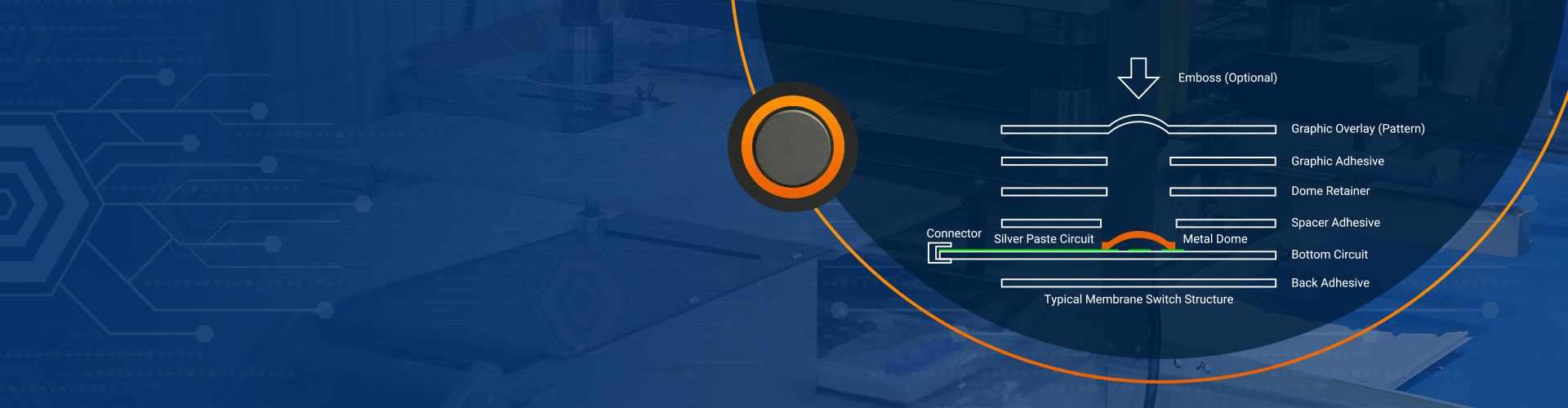
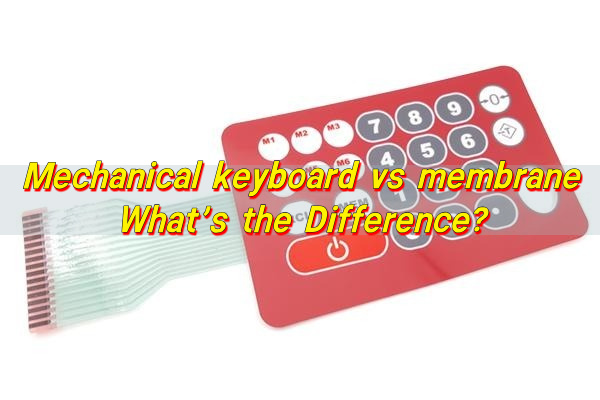
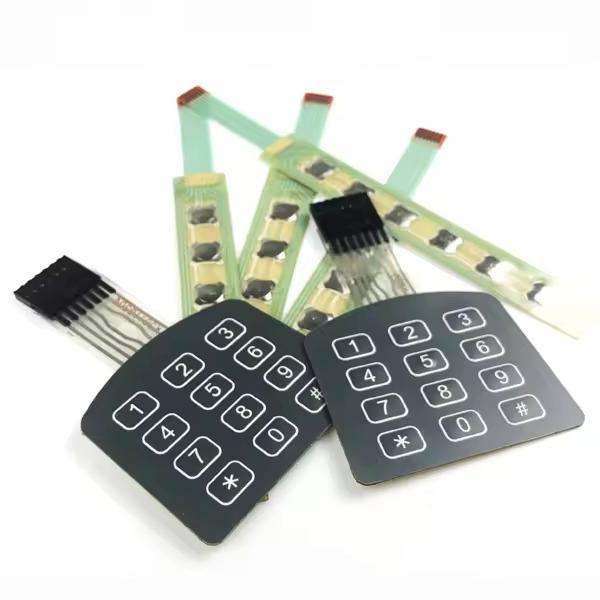
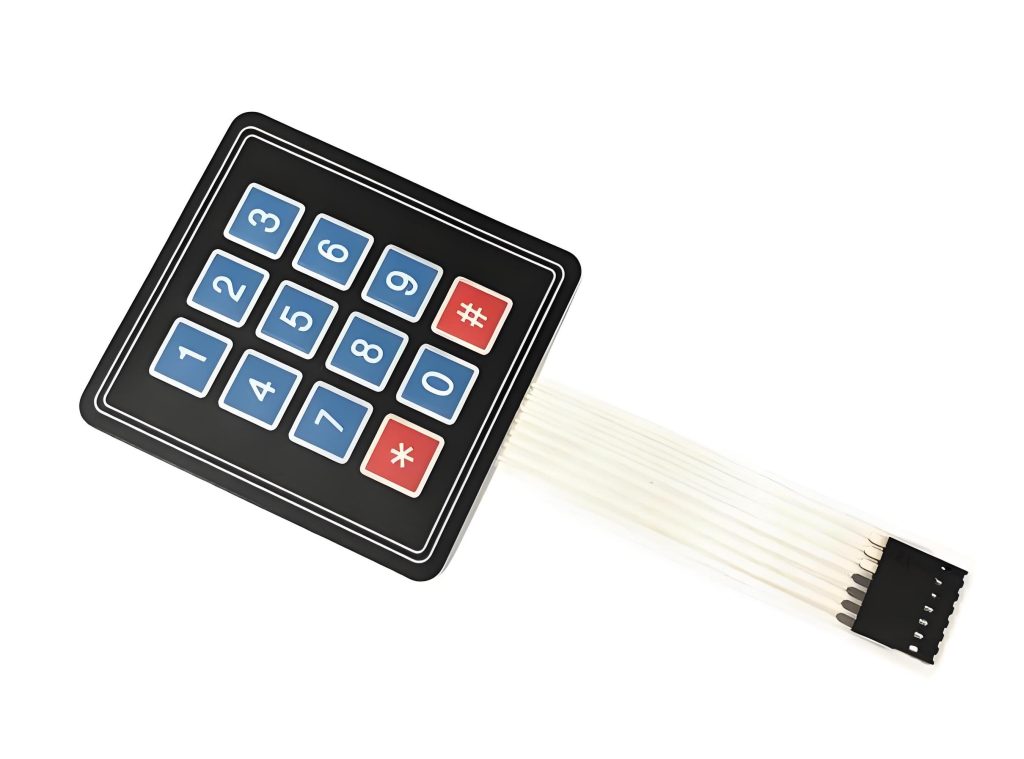
A membrane keyboard is built from flexible layers. These layers include printed conductive traces, spacer layers, and a top graphic overlay. When a button is pressed, pressure brings two conductive layers into contact, completing a circuit on the PCB beneath or through a tail connector. The structure is thin, sealed, and light.
A mechanical keyboard, in contrast, uses individual mechanical switches for each button. Each switch contains a spring or metal dome mechanism that creates a clear electrical contact when pressed. These switches are mounted directly onto a printed circuit board and often paired with a rigid front panel or keypad frame.
From an engineering view, the difference is structural and electrical. Membrane designs rely on pressure across layers. Mechanical designs rely on discrete components. This distinction shapes everything else, including feedback, durability, and environmental resistance.
Membrane keyboards are common in devices where sealing and low profile matter. Think medical analyzers, laboratory equipment, and household appliances. Mechanical keyboards appear more often in control panels, test instruments, and industrial machines where precision and repeatable feedback are required.
How to tell if your keyboard is mechanical vs membrane?
- First, consider the feel. Membrane buttons often feel soft and slightly padded. The force curve is smooth. There is no sharp click. Mechanical buttons provide a clearer actuation point.
- Second, observe the surface. Membrane keyboards usually have a flat overlay. Graphics are printed directly on the surface. There are no visible gaps between buttons. Mechanical keyboards often have raised keys or individual caps. Spacing is visible.
- Third, listen during operation. Mechanical keyboards often produce a faint but distinct sound during actuation. Membrane keyboards are quieter by nature, which matters in medical or office environments.
If the device can be opened safely, the internal structure makes the answer obvious. A membrane design reveals layered films and a tail connector. A mechanical design shows rows of individual switches soldered to a PCB.
These differences matter because they affect not just user experience, but also service strategy. A failed membrane keyboard often means replacing the whole keypad. A failed mechanical switch can sometimes be replaced individually.
What are the advantages of mechanical vs membrane keyboards?
The advantages of mechanical vs membrane keyboards are tied closely to performance consistency and tactile clarity. Mechanical designs shine where accuracy and repeatable input are critical.
- One key advantage is tactile feedback. Mechanical keyboards provide a clear actuation point. Operators know exactly when a command is registered. This reduces input errors in control systems and industrial panels.
- Another advantage is long-term consistency. Mechanical switches maintain their feel over time. Membrane layers can soften after extended use, especially under heat or frequent operation.
- Mechanical keyboards also support higher customization. Engineers can select switches with different actuation forces, travel distances, and electrical ratings. This flexibility helps tailor the interface to the user and application.
Common advantages include:
- Clear tactile response during each press
- Stable electrical contact over long service life
- Easier diagnosis of individual key failures
- Strong compatibility with rigid PCB designs
That said, these strengths come with trade-offs. Mechanical keyboards usually cost more. They are thicker. They may require additional sealing measures. These factors matter in compact or moisture-exposed designs.
When to use mechanical keyboard vs membrane?
Choosing mechanical keyboard vs membrane depends on how the product will be used, where it will be used, and who will use it.
Membrane keyboards are well suited for sealed environments. If the device must resist dust, moisture, or chemical exposure, membrane designs offer natural protection. Their flat surface is easy to clean and can meet IP-rated sealing requirements more easily.
Mechanical keyboards are a strong choice for precision input. Industrial control systems, CNC panels, and test equipment benefit from clear feedback. Operators often wear gloves. They need certainty, not softness.
Consider membrane keyboards when:
- The product requires a thin or low-profile interface
- Sealing and hygiene are top priorities
- Cost control matters in high-volume production
- Consider mechanical keyboards when:
- Accurate, repeatable input is critical
- The device operates in harsh industrial conditions
- Long service life outweighs initial cost
Mechanical vs membrane keyboard: which is easier to clean?
From a maintenance view, mechanical vs membrane keyboard cleaning depends on surface continuity. Membrane keyboards generally win in this area.
Membrane keyboards use a continuous top layer. There are no gaps between keys. This makes wiping fast and effective. Liquids, dust, and debris have fewer entry points.
Mechanical keyboards, with individual buttons or keycaps, create small gaps. Dust and residue can accumulate. Cleaning takes more effort. In some cases, partial disassembly is required.
However, modern mechanical designs can include protective films or sealed switch housings. These improvements narrow the gap, but they increase cost and design complexity.
If frequent cleaning is expected and downtime must be minimal, membrane keyboards are often the safer choice.
Do membrane or mechanical keyboards last longer?
The question of lifespan often comes up when comparing membrane keyboard vs mechanical keyboard designs. The answer depends on usage patterns and environment.
Mechanical keyboards generally offer a longer rated life per key. Many switches are designed for millions of actuations. Their internal springs and contacts are engineered for endurance.
Membrane keyboards usually have a lower actuation rating. The flexible layers experience gradual wear. Over time, repeated pressure can reduce responsiveness.
However, lifespan is not only about actuation count. Environmental exposure plays a role. A membrane keyboard in a sealed enclosure may outlast a mechanical keyboard exposed to dust and moisture.
In controlled environments with heavy use, mechanical keyboards tend to last longer. In sealed or hygienic environments with moderate use, membrane keyboards can perform reliably for many years.
Is mechanical better than membrane keyboard?
Is mechanical better than membrane keyboard? The honest answer is that “better” depends on context. Mechanical designs excel in feedback and durability. Membrane designs excel in sealing and simplicity.
Mechanical keyboards feel more responsive. Operators trust them. This reduces mistakes in control-heavy tasks. For industrial systems, this confidence matters.
Membrane keyboards simplify enclosure design. They reduce parts count. They support clean aesthetics. For consumer devices and medical tools, this matters more.
Rather than asking which is better, ask which aligns with your product goals. Performance, cost, size, hygiene, and serviceability all deserve equal weight.
Membrane keyboard vs mechanical keyboard: How to choose?
- Start with the environment. Will the device face moisture, dust, or chemicals? Membrane keyboards offer natural protection.
- Next, consider the user. Do operators need strong tactile feedback? Will they wear gloves? Mechanical keyboards often perform better here.
- Then, evaluate production scale. Membrane keyboards scale well for high volumes. Mechanical keyboards add assembly steps and cost.
- Finally, consider maintenance. Will the product be serviced in the field? Individual mechanical switches may be easier to replace.
A practical selection checklist includes:
- Operating environment
- User interaction style
- Expected actuation frequency
- Space constraints
- Cost targets
Balancing these factors leads to a confident decision, not a compromise.
Conclusion:
Choosing between mechanical keyboard vs membrane is a design decision with lasting impact. Membrane keyboards offer sealing, simplicity, and clean surfaces. Mechanical keyboards deliver tactile clarity, durability, and precision. Neither is universally superior. Each serves a purpose.

How Long Does Keyboard Last? Average Lifespan Guide
Understanding how long does keyboard last is not just about numbers—it’s about how design, usage habits, and environmental conditions come together over time. Whether you’re working with a membrane keyboard, a mechanical unit, or a custom membrane keyboard built for industrial use, lifespan varies widely based on real-world factors. How long do keyboards last? Most ...
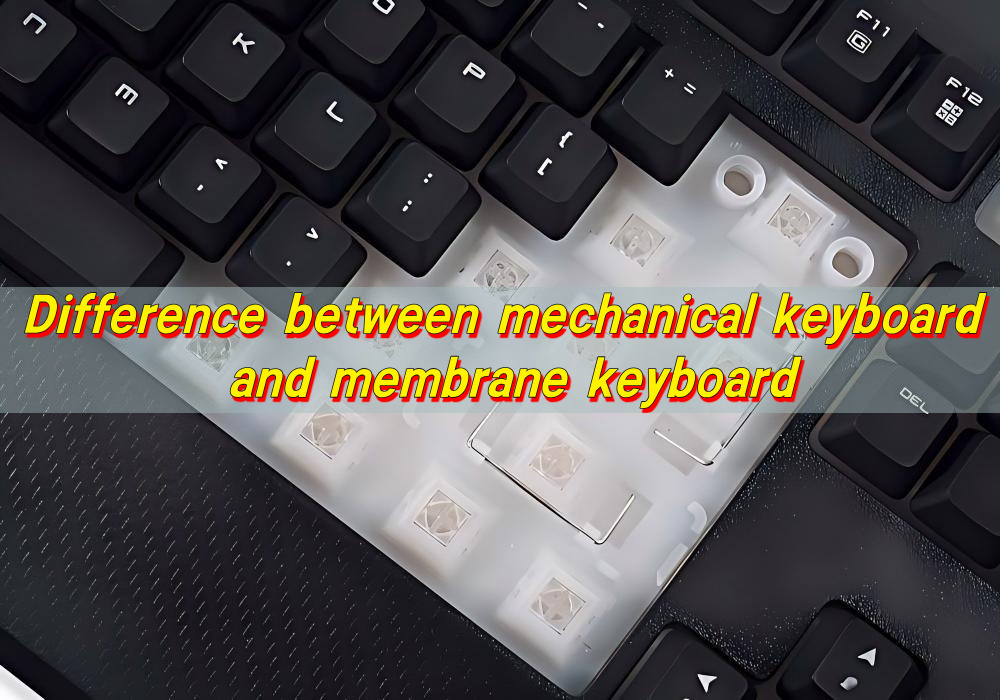
Difference between Mechanical Keyboard and Membrane Keyboard
Choosing between different keyboard technologies is no longer a simple matter of preference. As user expectations continue to evolve—especially in gaming, office productivity, and industrial control systems—the underlying structure of a keyboard plays a decisive role in performance, longevity, and overall user satisfaction. Understanding the difference between mechanical keyboard and membrane keyboard allows buyers and ...
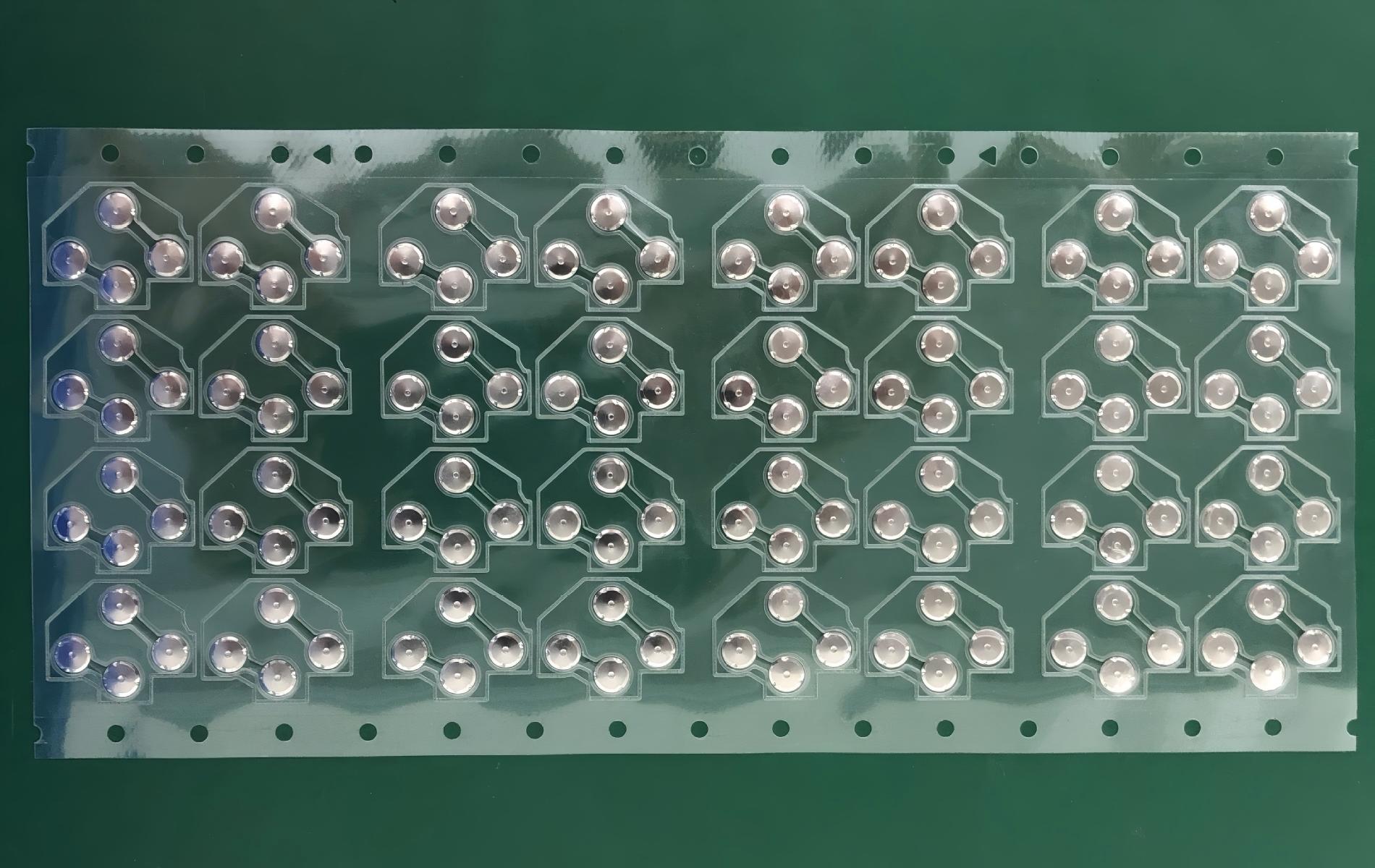
Top Advantages of Using an LGF Membrane Switch in Modern Electronics
Electronics have advanced rapidly over the years. The buttons and controls people use every day have also quietly advanced. Today, thin panel-based controls are replacing old, bulky buttons in almost every industry, and for good reason. Even Lighting Across Every Key Older backlit panels always had that annoying problem of bright spots near the light ...

Contact us online


