

Capacitive Touch Switch – Reliable for Smart Device Control
Capacitive Touch Switch – Reliable for Smart Device Control


Need professional capacitive touch switch solutions? We provide durable, customizable touch switches for all electronic control panels with stable performance.
What is capacitive switching?
Capacitive switching is a control method based on the electrical behavior of the human body. When a finger approaches or touches a sensing area, it changes the local electric field. The system detects that change and turns it into a command. There is no need for physical force or moving parts.
In a capacitive touch switch, the surface looks solid and smooth. Under that surface sits a sensing electrode. This electrode forms a small capacitor with the surrounding environment. The human body carries natural capacitance. When a finger gets close, the total capacitance shifts.
This idea sounds complex, yet its result feels simple. A light touch can trigger power, adjust volume, or wake a device. Because there is no mechanical travel, the response feels fast and clean.
Capacitive switching is now common in smart devices. It appears in home controls, consumer electronics, medical tools, and industrial panels.
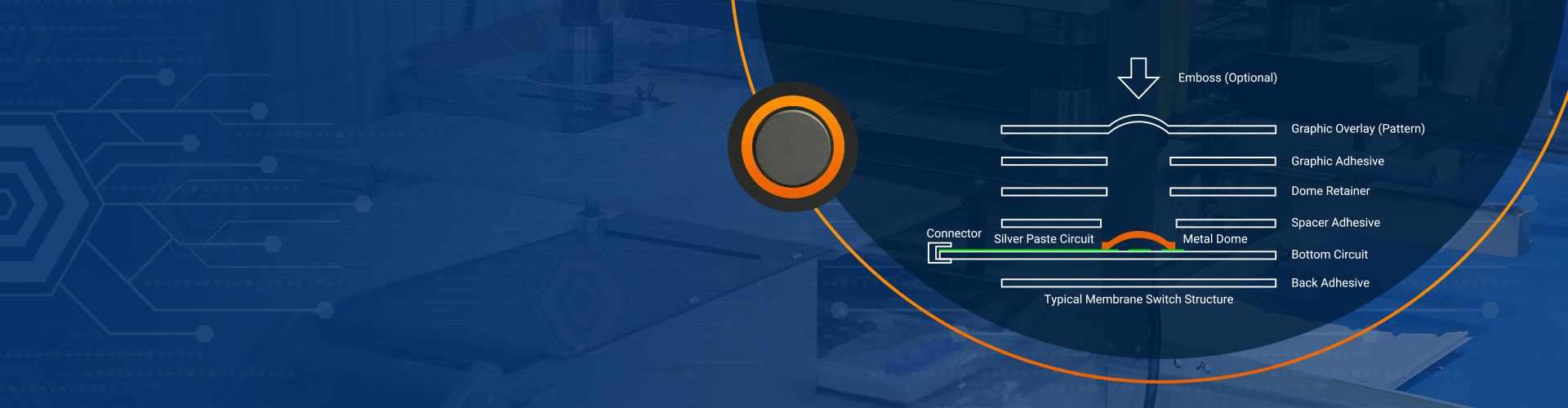
At Best Technology, capacitive solutions are often paired with membrane switch structures. This hybrid approach keeps reliability high while improving user experience. It also allows flexible shapes and branding without adding complexity.
How does a capacitive touch switch work?
A capacitive touch switch works by monitoring changes in capacitance at a sensing point. The system starts with a stable reference value. This value represents the untouched state. When a finger approaches, the value changes. The controller compares the new reading with the reference. If the change passes a set threshold, the switch activates.
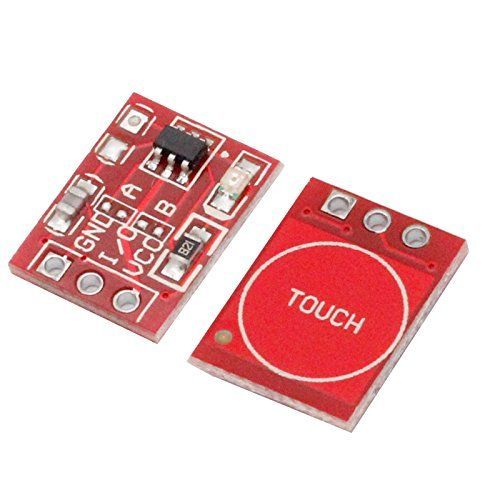
The core parts are simple. They include a sensing pad, a control circuit, and firmware logic. The sensing pad is often made of copper or transparent conductive material. It sits under plastic, glass, or a printed overlay. The control circuit sends a small signal to the pad and measures the response.
The capacitive touch switch circuit filters noise and tracks slow changes in the environment. This helps avoid false triggers. Good design balances sensitivity and stability. The goal is to respond to real touch while ignoring moisture, dust, or electrical interference.
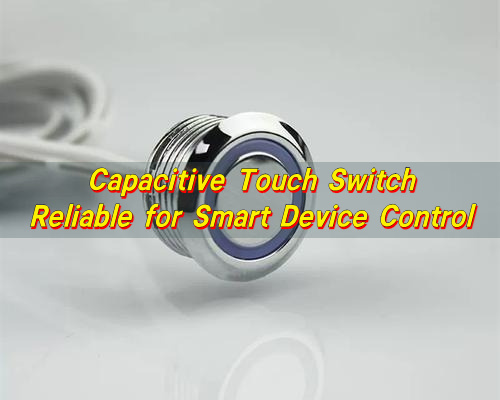
LED feedback is often added. A capacitive touch switch with LED gives users clear status information. The light can show power state, mode, or confirmation.
What are the advantages of capacitive sensors?
Capacitive sensors offer a strong set of benefits. They support clean design, reliable operation, and flexible integration.
Key advantages include:
- No mechanical wear. There are no moving parts to break or loosen.
- Long service life. Stable performance over millions of activations.
- Smooth surface. Easy to clean and resistant to dust.
- Fast response. The signal changes are detected quickly.
- Design freedom. Shapes, icons, and layouts are easy to customize.
- Silent operation. No click unless added on purpose.
- Sealing. Liquids and particles stay outside. Maintenance becomes simpler.
From a system view, capacitive sensing integrates well with digital control. The output works with microcontrollers and wireless modules. This is helpful for smart devices that rely on software updates and remote control.
What are the disadvantages of capacitive touch screens?
Capacitive technology is strong, yet no solution is perfect.
One challenge is environmental sensitivity. Moisture can affect readings. Heavy water droplets may cause false triggers if not managed.
Another point is glove use. Thick gloves block the body’s capacitance. Some designs support special modes to improve detection.
Electrical noise can also interfere. Devices in industrial settings may face this issue. Shielding and filtering usually solve it.
Cost can be higher at first. The control circuit and tuning require effort. Over time, this cost balances out through durability and lower maintenance.
How to choose a capacitive touch switch?
Choosing the right capacitive touch switch starts with understanding the device. The user environment, usage frequency, and visual goals all matter.
First, consider the interface surface. Plastic, glass, and acrylic all behave differently. Thickness affects sensitivity.
Next, think about interaction style. Do users tap, hold, or slide? A simple on-off action needs less tuning.
Power conditions also matter. Battery devices require low consumption. The capacitive touch switch circuit should match these limits.
Other factors to review include:
- Required lifetime and duty cycle
- Operating temperature range
- Exposure to moisture or dust
- Need for visual feedback
Why use a capacitive touch switch?
A capacitive touch switch brings value beyond basic control. It improves how users feel about a product.
Users enjoy light interaction. There is no strain on fingers. This helps in medical, home, and office settings.
From a product view, the switch supports a clean design language. Flat panels look modern. Logos and icons integrate easily. Backlighting adds clarity in low light.
Reliability is another strong reason. Without moving parts, performance stays stable. Maintenance needs drop.
Capacitive switches also support smart features. They pair well with wireless control and automation. A capacitive remote touch switch allows sealed control from a distance. This is useful in appliances and lighting systems.
Which capacitive touch switch fits your device?
Different devices call for different capacitive designs. Matching the switch to the task matters most.
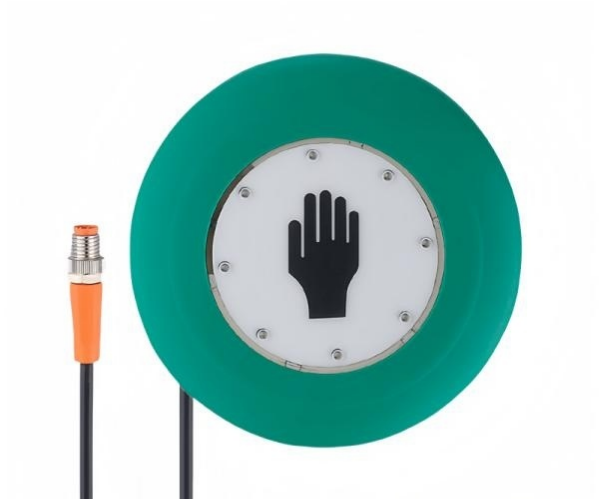
For simple consumer products, a single capacitive touch switch button works well. It handles power or mode changes with ease.
For control panels, a capacitive touch switch panel makes sense. Multiple zones sit under one surface. This supports compact layouts and easy cleaning.
Remote control systems may use capacitive remote touch switch designs. These allow thin, lightweight controllers with long life.
In industrial or medical tools, robustness matters. Thicker overlays and strong filtering protect against noise.
How to test a capacitive touch switch?
Testing ensures the switch performs as intended. It also builds confidence before mass production.
Start with functional testing. Verify that each touch zone responds correctly. Check response time and repeatability.
Environmental testing follows. Expose the switch to humidity and temperature changes. Observe stability.
Electrical testing checks noise immunity. Introduce interference and confirm normal operation. Grounding and shielding play a role here.
Durability testing matters too. Repeated activation shows long-term behavior. This step reflects real-world use.
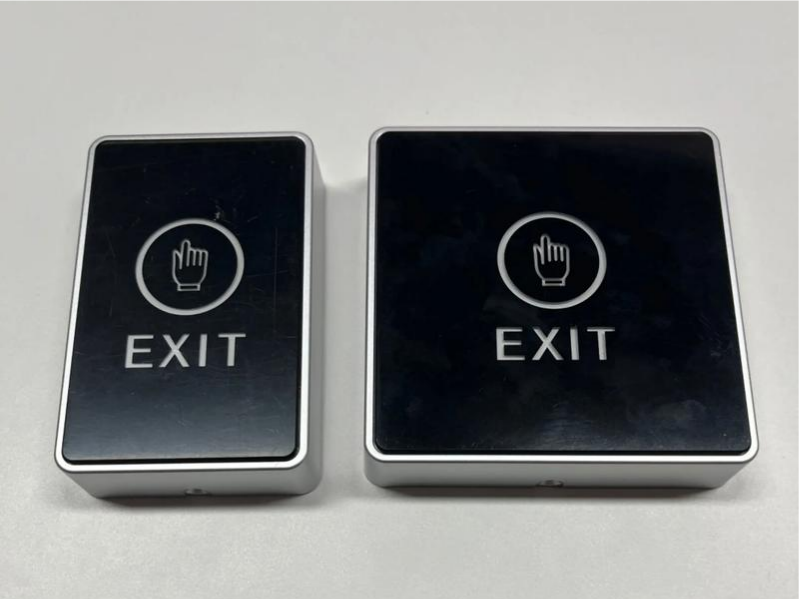
Conclusion:
In summary, a capacitive touch switch offers a modern, reliable way to control smart devices. It combines clean design, long life, and flexible integration. When chosen and tuned well, it improves both user experience and product value.

How Long Does Keyboard Last? Average Lifespan Guide
Understanding how long does keyboard last is not just about numbers—it’s about how design, usage habits, and environmental conditions come together over time. Whether you’re working with a membrane keyboard, a mechanical unit, or a custom membrane keyboard built for industrial use, lifespan varies widely based on real-world factors. How long do keyboards last? Most ...

Difference between Mechanical Keyboard and Membrane Keyboard
Choosing between different keyboard technologies is no longer a simple matter of preference. As user expectations continue to evolve—especially in gaming, office productivity, and industrial control systems—the underlying structure of a keyboard plays a decisive role in performance, longevity, and overall user satisfaction. Understanding the difference between mechanical keyboard and membrane keyboard allows buyers and ...
Top Advantages of Using an LGF Membrane Switch in Modern Electronics
Electronics have advanced rapidly over the years. The buttons and controls people use every day have also quietly advanced. Today, thin panel-based controls are replacing old, bulky buttons in almost every industry, and for good reason. Even Lighting Across Every Key Older backlit panels always had that annoying problem of bright spots near the light ...

Contact us online


