


Top 5 Matrix Keypads for Electronics Projects in 2025
Top 5 Matrix Keypads for Electronics Projects in 2025



I have tested many components over the years, but the right matrix keypad always makes a difference in my electronics projects. Yuan Electronics’ top 5 picks for 2025 stand out for their reliability and durability. I find that choosing the best keypad ensures smooth operation and long-term compatibility, which helps every project succeed.
Key Takeaways
- Choose a matrix keypad that fits your project needs by considering type, size, and durability.
- Tactile keypads offer clear feedback and suit high-use projects, while membrane keypads fit slim devices and provide quiet operation.
- Check compatibility with your microcontroller, focusing on I/O lines, voltage, and interrupt support to ensure smooth setup.
- Waterproof capacitive keypads like Infineon CAPSENSE™ work well for outdoor or industrial projects needing modern touch control.
- Test your keypad choice early to avoid issues and improve user experience in your electronics projects.
Matrix Keypad Comparison

Key Features Overview
When I start a new electronics project, I always look for a matrix keypad that matches my needs. I have compared the top five options side by side to help you see the differences at a glance. This table highlights the most important features for each keypad.
| Model Name | Size | Type | Durability | Compatibility | Unique Features |
|---|---|---|---|---|---|
| Standard 4×4 Matrix Keypad | 4×4 | Tactile | High | Arduino, Raspberry Pi | Easy to mount, classic design |
| 4×4 Matrix 16 Keyboard Keypad | 4×4 | Tactile | Medium | Arduino, STM32 | Numbered keys, compact layout |
| Infineon CAPSENSE™ Matrix Keypad | 4×4 | Capacitive | Very High | Microcontrollers | Touch-sensitive, waterproof |
| 4×4 Matrix 12 Keys Membrane Switch | 4×4 | Membrane | Medium | Arduino, ESP32 | Slim profile, flexible material |
| Tegg 4×4 Keypad MCU Board | 4×4 | Tactile | High | Arduino, Micro:bit | Built-in MCU support, robust PCB |
Tip: I always check compatibility first. Some matrix keypad models work better with certain microcontrollers. This step saves time during setup.
I find that tactile keypads give a satisfying click, which helps in projects where feedback matters. Membrane keypads feel smoother and fit well in slim devices. Capacitive keypads, like the Infineon CAPSENSE™, offer a modern touch experience and resist water. Each matrix keypad in this list brings something unique to the table. I recommend reviewing the table above before making a choice.
Top 5 Matrix Keypads
Standard 4×4 Matrix Keypad
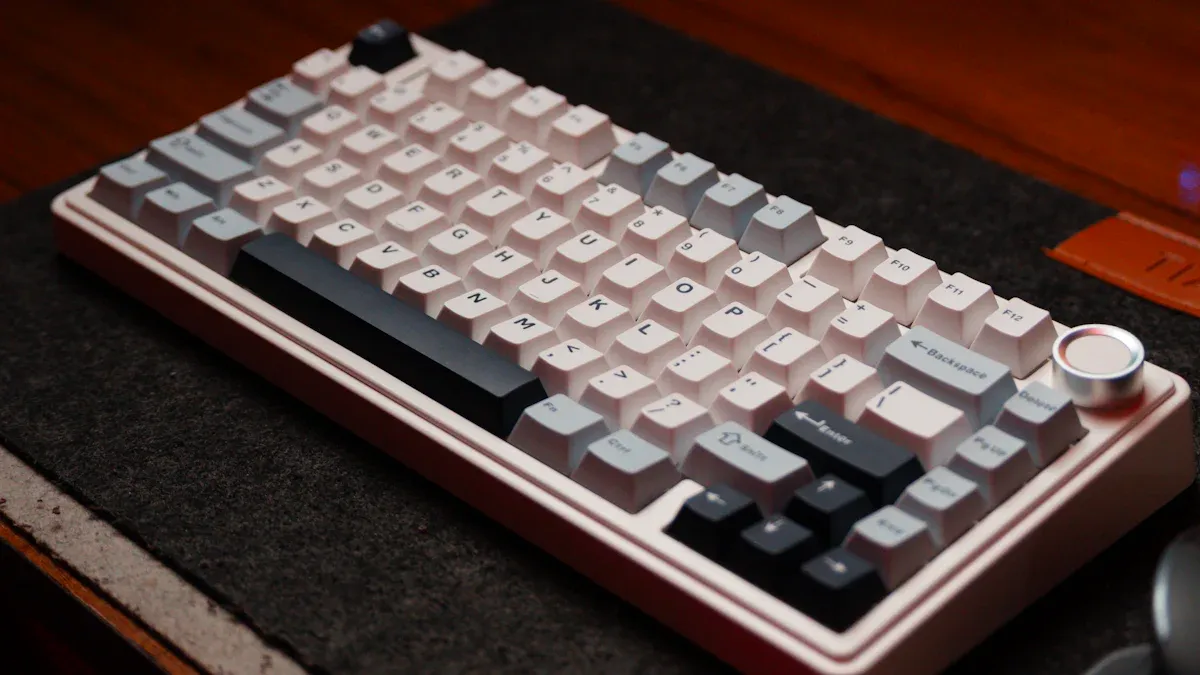
I always start with the Standard 4×4 Matrix Keypad when I need a reliable input device. This keypad features 16 tactile buttons arranged in a 4×4 grid. I find the classic design easy to mount on most project enclosures. The tactile feedback gives me confidence that each press registers correctly. I often use this keypad with Arduino and Raspberry Pi boards. The clear labeling on each button helps me avoid mistakes during testing.
Note: I recommend this keypad for beginners. The wiring is straightforward, and many online tutorials support it.
4×4 Matrix 16 Keyboard Keypad
The 4×4 Matrix 16 Keyboard Keypad stands out for its compact layout and numbered keys. I use this keypad when I need a small footprint on my project panel. The tactile buttons feel responsive, which makes it suitable for quick data entry. I connect this keypad to Arduino or STM32 microcontrollers without any trouble. The medium durability rating means I use it for prototypes or projects that do not require heavy daily use.
- Numbered keys make coding easier.
- Compact size fits tight spaces.
- Good for learning how a matrix keypad works.
Infineon CAPSENSE™ Matrix Keypad
I turn to the Infineon CAPSENSE™ Matrix Keypad for advanced projects. This keypad uses capacitive touch technology instead of physical buttons. I like that it is waterproof and easy to clean. The touch-sensitive surface responds quickly, even if I wear gloves. I connect this keypad to a wide range of microcontrollers. The high durability makes it perfect for outdoor or industrial applications.
Tip: I suggest using this keypad when you need a modern look or want to protect your project from moisture.
4×4 Matrix 12 Keys Membrane Switch Keypad
The 4×4 Matrix 12 Keys Membrane Switch Keypad offers a slim and flexible design. I use this keypad in projects where space is limited. The membrane surface feels smooth, and the keys operate quietly. I often pair this keypad with Arduino or ESP32 boards. The medium durability works well for light-use devices or prototypes. I can easily stick this keypad onto flat surfaces using its adhesive backing.
| Feature | Benefit |
|---|---|
| Slim profile | Fits in thin enclosures |
| Quiet operation | Good for silent devices |
| Flexible cable | Easy to route wires |
Tegg 4×4 Keypad MCU Board
I choose the Tegg 4×4 Keypad MCU Board when I need extra durability and built-in microcontroller support. This keypad comes mounted on a sturdy PCB, which protects the contacts from wear. I like that it connects directly to Arduino or Micro:bit boards. The robust design handles frequent use, so I use it in classroom projects or public installations. The clear labeling and solid construction make it easy to integrate into any electronics project.
I recommend this keypad for anyone who needs a reliable matrix keypad that can handle daily use.
Choosing a Matrix Keypad
Key Selection Factors
When I select a matrix keypad for my projects, I always consider the type of switch first. Tactile keypads give a clear, physical click with each press. This feedback helps me know when a key registers. Membrane keypads, on the other hand, offer a smooth and quiet experience. I notice that membrane tact switches have a slim design, which fits well in modern, compact devices. They provide reliable feedback and can last for up to 50,000 presses. I also appreciate their energy efficiency, especially in battery-powered projects. Many users, including myself, enjoy the soft click and consistent performance of membrane keypads. I see these used often in remote controls and smart home devices because they are durable and easy to clean.
Tip: For projects that need a rugged and sealed input, I choose membrane keypads with advanced coatings. These work well in medical or industrial settings.
Compatibility Tips
I always check the compatibility between the matrix keypad and the microcontroller before starting a build. Most microcontrollers offer several general-purpose I/O lines. For example, some provide up to 24 I/O lines, with 16 lines dedicated to keypad scanning. This feature makes connecting a matrix keypad straightforward. I look for GPIO pins that support external interrupts, which help detect key presses quickly. Voltage supply is another key factor. I make sure the keypad and microcontroller both operate within the same voltage range, usually between 1.8V and 3.6V. Power-saving modes in the microcontroller also help when I design low-power or battery-operated systems.
- Check available I/O lines for keypad scanning.
- Confirm voltage compatibility.
- Use interrupt-capable pins for fast response.
- Consider power-saving features for portable projects.
Matching Keypad to Project
I match the keypad type to the needs of my project. For slim devices, I pick a membrane keypad because it fits tight spaces and offers a modern look. If I want strong tactile feedback, I use a tactile keypad. For outdoor or industrial projects, I select a waterproof or rugged keypad. I also think about how often the keypad will be used. High-use projects need keypads with long actuation life. I always test the keypad with my chosen microcontroller to ensure smooth operation. This approach helps me avoid problems later in the project.
| Project Type | Recommended Keypad Type |
|---|---|
| Slim/portable device | Membrane keypad |
| High-use interface | Tactile or rugged keypad |
| Outdoor/industrial | Waterproof membrane |
| Learning/prototyping | Standard tactile keypad |
Note: I always keep user experience in mind. The right matrix keypad can make any project easier and more enjoyable to use.
I have tested each keypad and found unique strengths in all of them. The Standard 4×4 stands out for reliability. The 4×4 Matrix 16 Keyboard Keypad offers a compact design. Infineon CAPSENSE™ gives modern touch control. The 4×4 Membrane Switch fits slim projects. Tegg 4×4 Keypad MCU Board handles heavy use. I recommend the Standard 4×4 for most users. Please share your experiences or questions in the comments. Your feedback helps everyone learn.

How Long Does Keyboard Last? Average Lifespan Guide
Understanding how long does keyboard last is not just about numbers—it’s about how design, usage habits, and environmental conditions come together over time. Whether you’re working with a membrane keyboard, a mechanical unit, or a custom membrane keyboard built for industrial use, lifespan varies widely based on real-world factors. How long do keyboards last? Most ...

Difference between Mechanical Keyboard and Membrane Keyboard
Choosing between different keyboard technologies is no longer a simple matter of preference. As user expectations continue to evolve—especially in gaming, office productivity, and industrial control systems—the underlying structure of a keyboard plays a decisive role in performance, longevity, and overall user satisfaction. Understanding the difference between mechanical keyboard and membrane keyboard allows buyers and ...
Top Advantages of Using an LGF Membrane Switch in Modern Electronics
Electronics have advanced rapidly over the years. The buttons and controls people use every day have also quietly advanced. Today, thin panel-based controls are replacing old, bulky buttons in almost every industry, and for good reason. Even Lighting Across Every Key Older backlit panels always had that annoying problem of bright spots near the light ...

Contact us online


